1. Activate module |
  
|
1. Activate module |
|
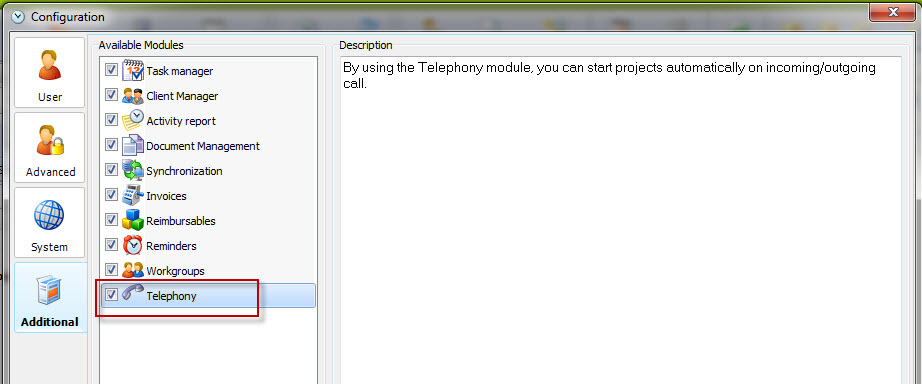
If you have purchased the Telefony Module for Xpert-Timer Pro or Enterprise you've received a new license file. Once you have activated that license file, you can activate the Telefony module in your Additional modules tab in the configuration of Xpert-Timer:
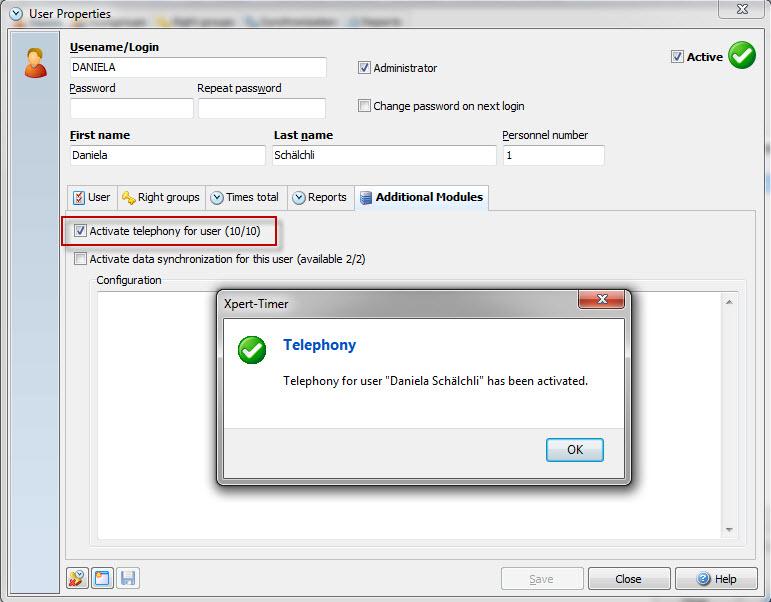
Additionally you have to assign this new telephony module to a user. Open the user settings in order to do so: