Users |
  
|
Users |
|
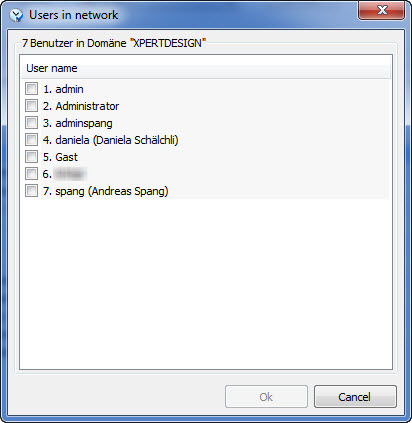
Use this menu point to see all users connected to the Xpert-Timer system. Sometimes it's necessary to log out all users from the system. For example when you want to update your Xpert-Timer version. In order to log out a user, right-click on the user name. The context menu offers different functions you might want to use.
|
You can also add users here. Just click on the button "New user". If a users starts up Xpert-Timer, who has not been added to the database yet, will be automatically added, when starting up the program. |
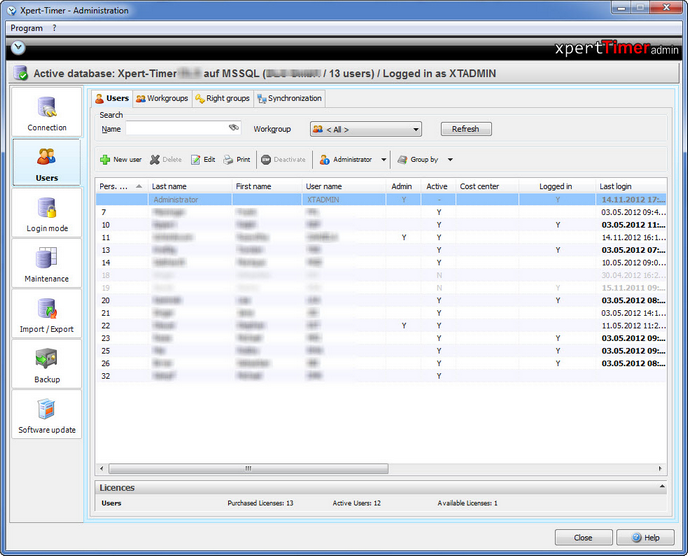
Sometimes it's necessary to kick out all users from the system. If you right click on a user you get the option to log out the user, and many more self explaining options.
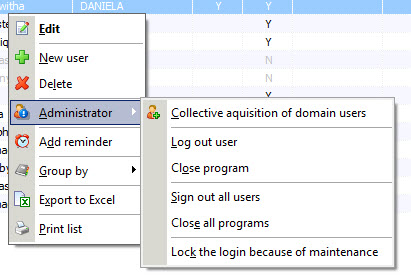
Use the "Administrator" Menu to choose from multiple options:
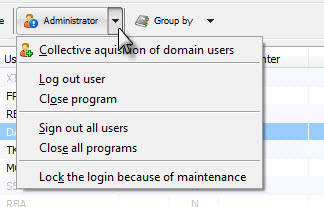
Here you can sign out users, if this is allowed in your network setup. This function might come in handy, if you want to update Xpert-Timer and you need everybody to log out of the system.
Furthermore you can acquire all domain users in your network to easily add them to your Xpert-Timer system. Use "Collective acquisition of domain users" to do so.
Right click on a user to get this self explaining context menu:
Please note, that you should rather deactivate a user than deleting it. If you delete the user, you have to decide what to do with your saved timestamps, as the user no longer exists. If you deactivate the user, you free one spot of your licenses, but the times of the deactivated user still remain in your timestamp list.
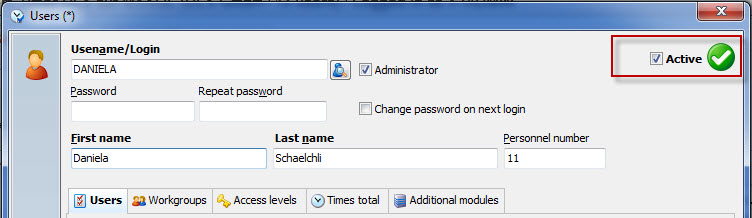
To open die user dialog, double click the user name.